Content templates (Content)
← Table of contents · Assessment · Reports · Permissions
The Content menu (Admin, Global tutor admin, Secretary):
- Patterns — PDF report templates
- Question Groups — question groups for Assessment
- Questions — individual questions
- Lists — catalogues of answer options
Only Admin can fully edit the Content catalogue. Global tutor admin and Secretary mostly view it. Assigning a Question Group to a subject/class: Admin only. Global tutor admin and Local tutor admin can view linked groups on the class/subject Question groups tab (read-only).
Patterns
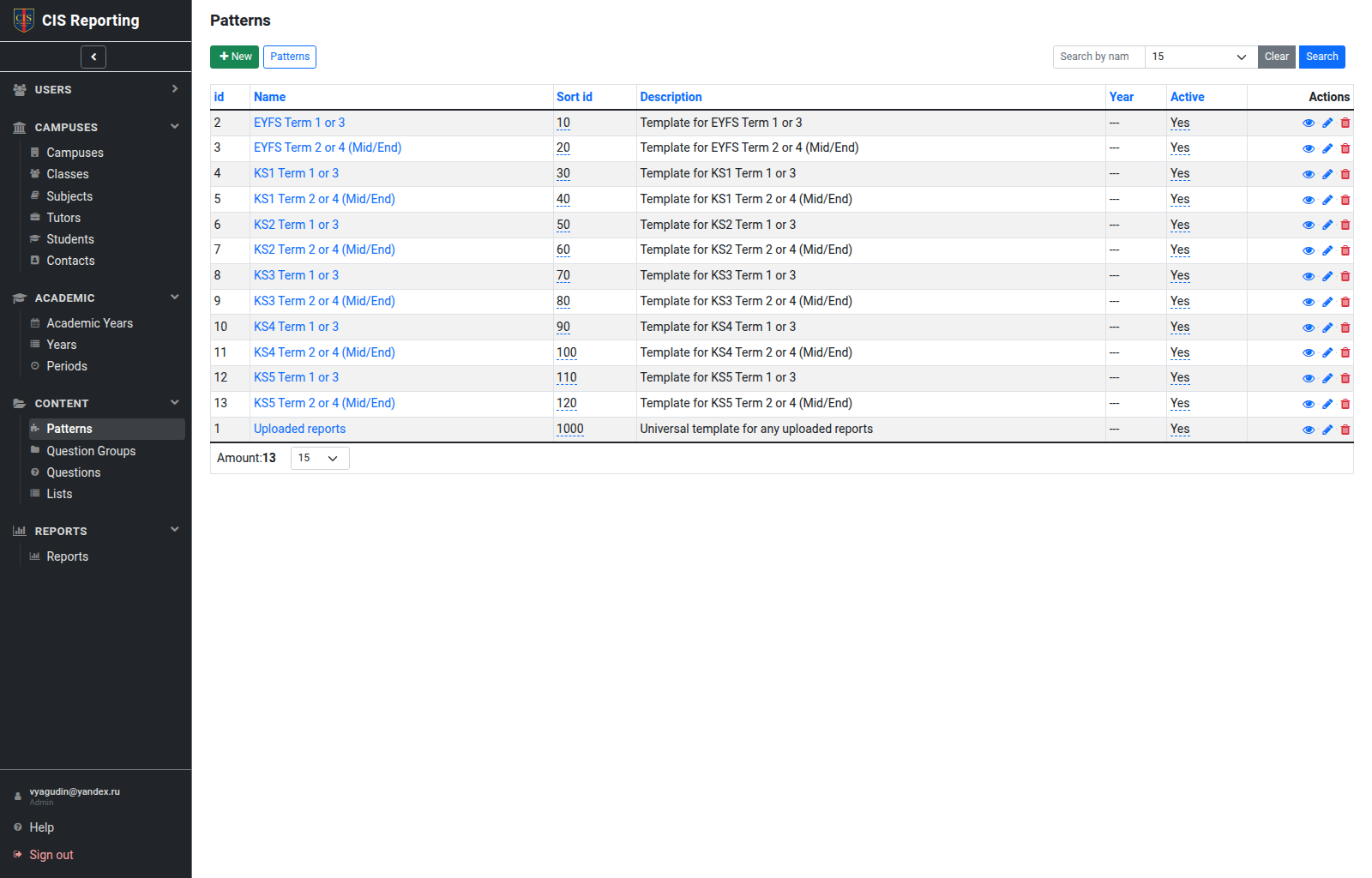
A pattern defines the PDF structure (blocks, subjects, texts). When you create a report you pick the Pattern (EYFS, KS1, KS2, KS3/KS4, and so on).
You can view, edit (Admin), and preview the template.
Question Groups
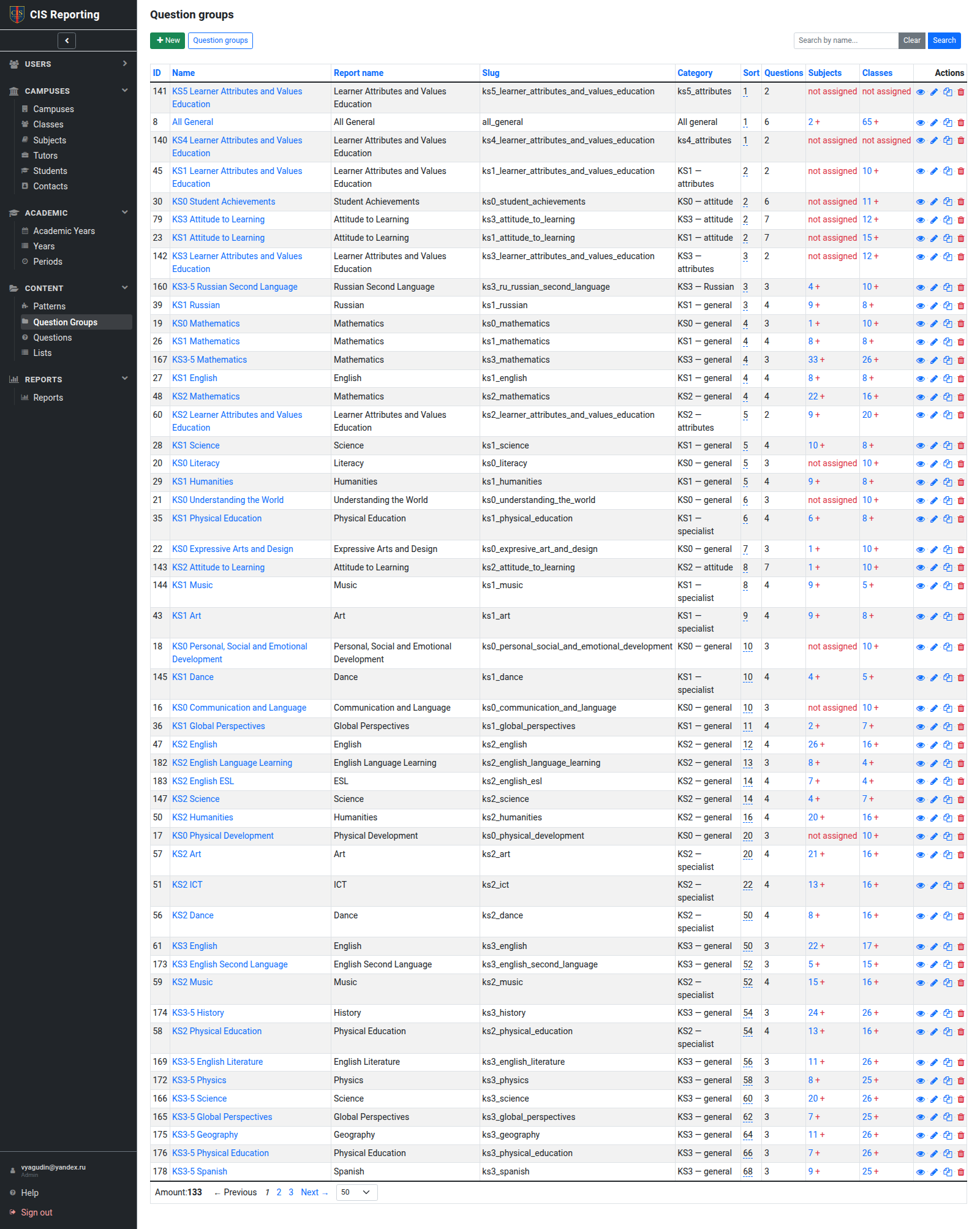
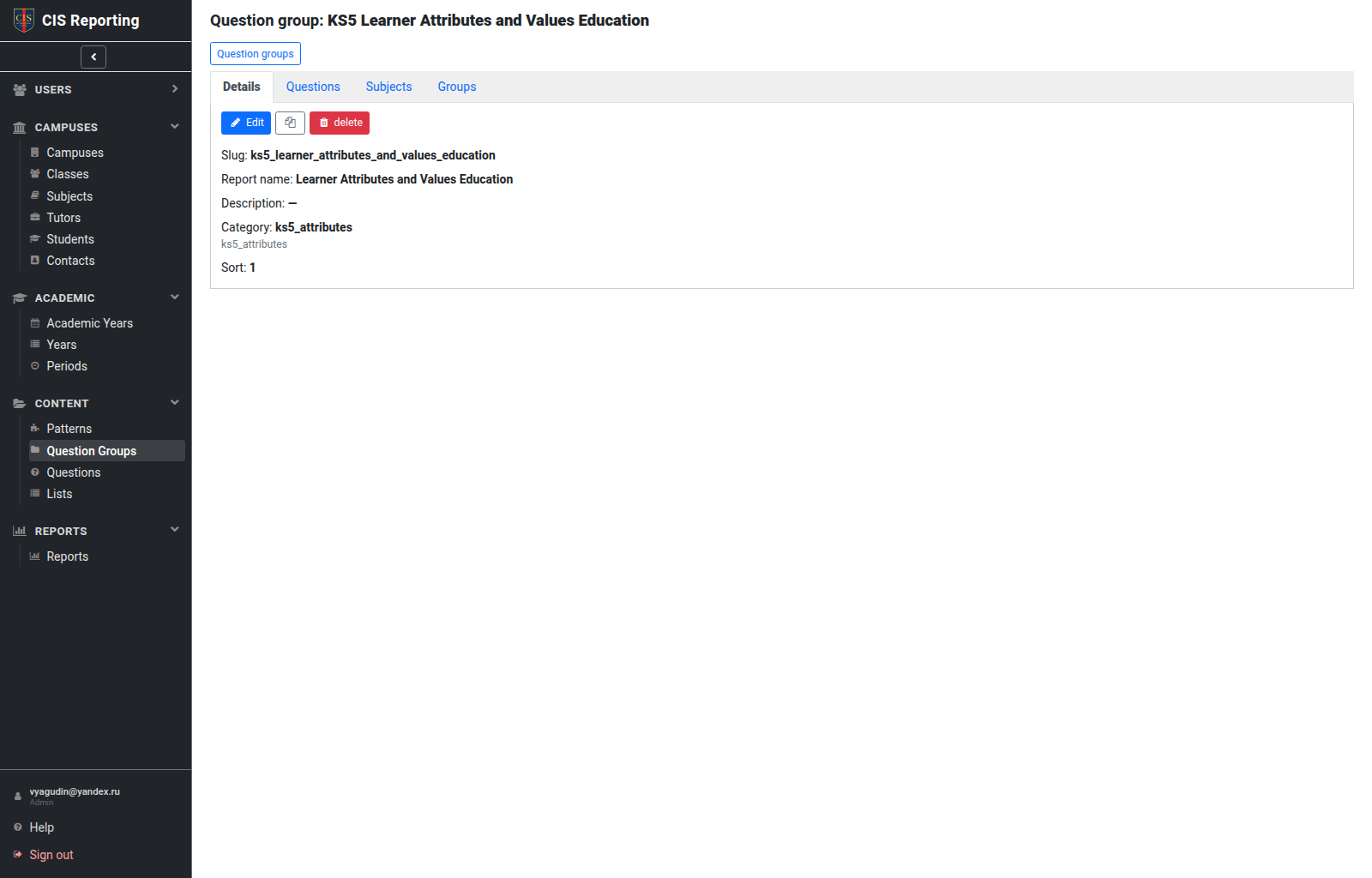
A question group is a set of questions on a topic (for example Literacy, Mathematics). Tabs: Details, Questions, Subjects, Groups (classes).
Show in terms on the group (and on each question) limits where it appears on Assessment. Unticked terms hide that group or question for that term.
Some groups are class only (All general, Attitude, Attributes). The list shows class only instead of a subject assign action. Assign them on a class, not on a subject.
Select Years on a question group to auto-link it to new classes of those years. More than one year can be selected.
Every new class is automatically linked to All general and to question groups whose Years include that class year.
When you assign groups to a class or subject, matching years / Key Stage / curriculum items are marked Suggested and listed first.
Typical Admin actions:
- Create / clone a group.
- Fill Questions and set Show in terms.
- Link to a Subject and/or Class (class-only groups: class only).
Global tutor admin and Local tutor admin can see which subjects and classes are linked (on the group card, and on the Question groups tab of a class or subject). They cannot change those links.
Questions
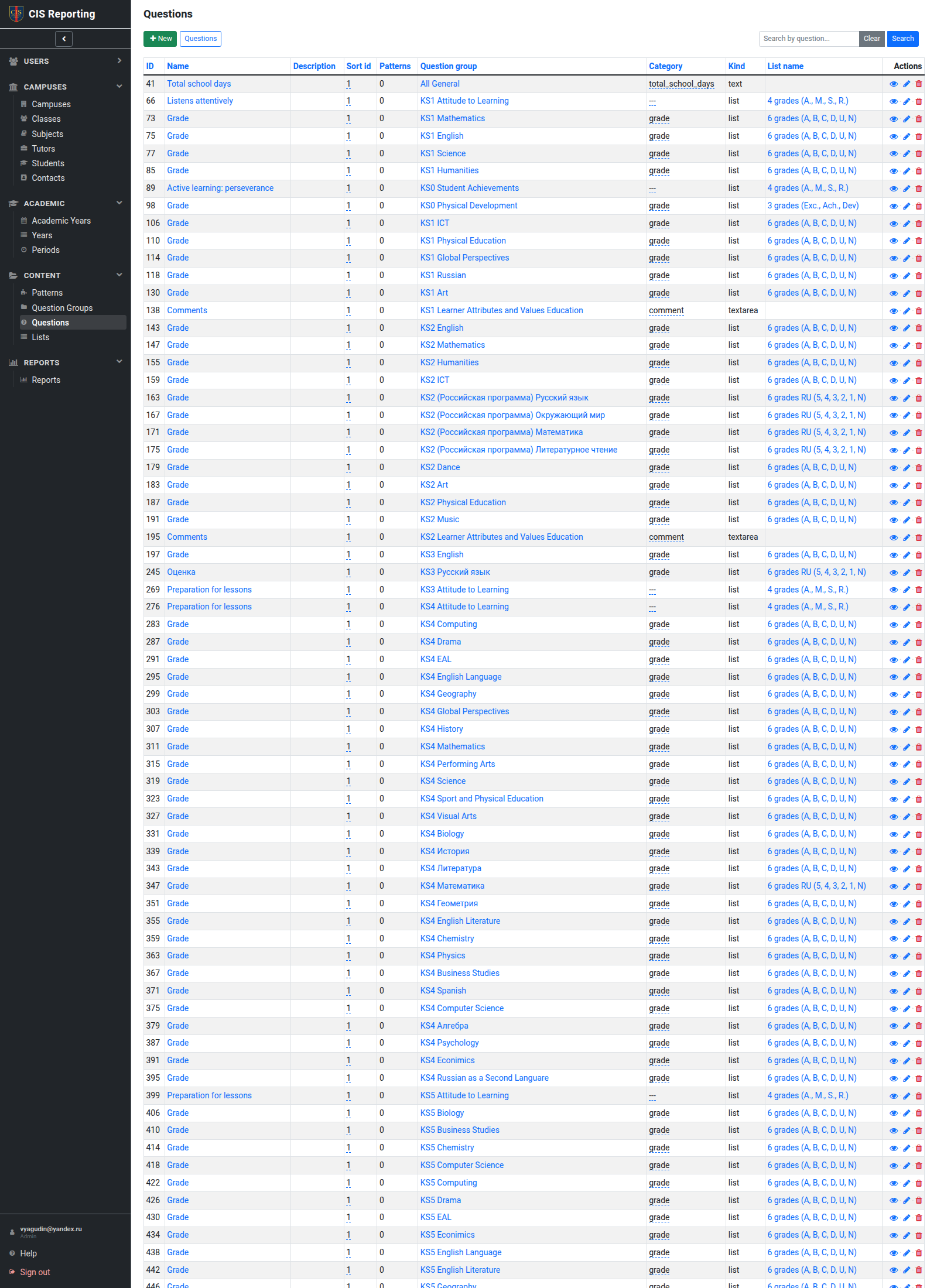
Question type, text, order, link to a group, and if needed a List of options. Use Show in terms so the question appears only in selected terms on Assessment.
Lists
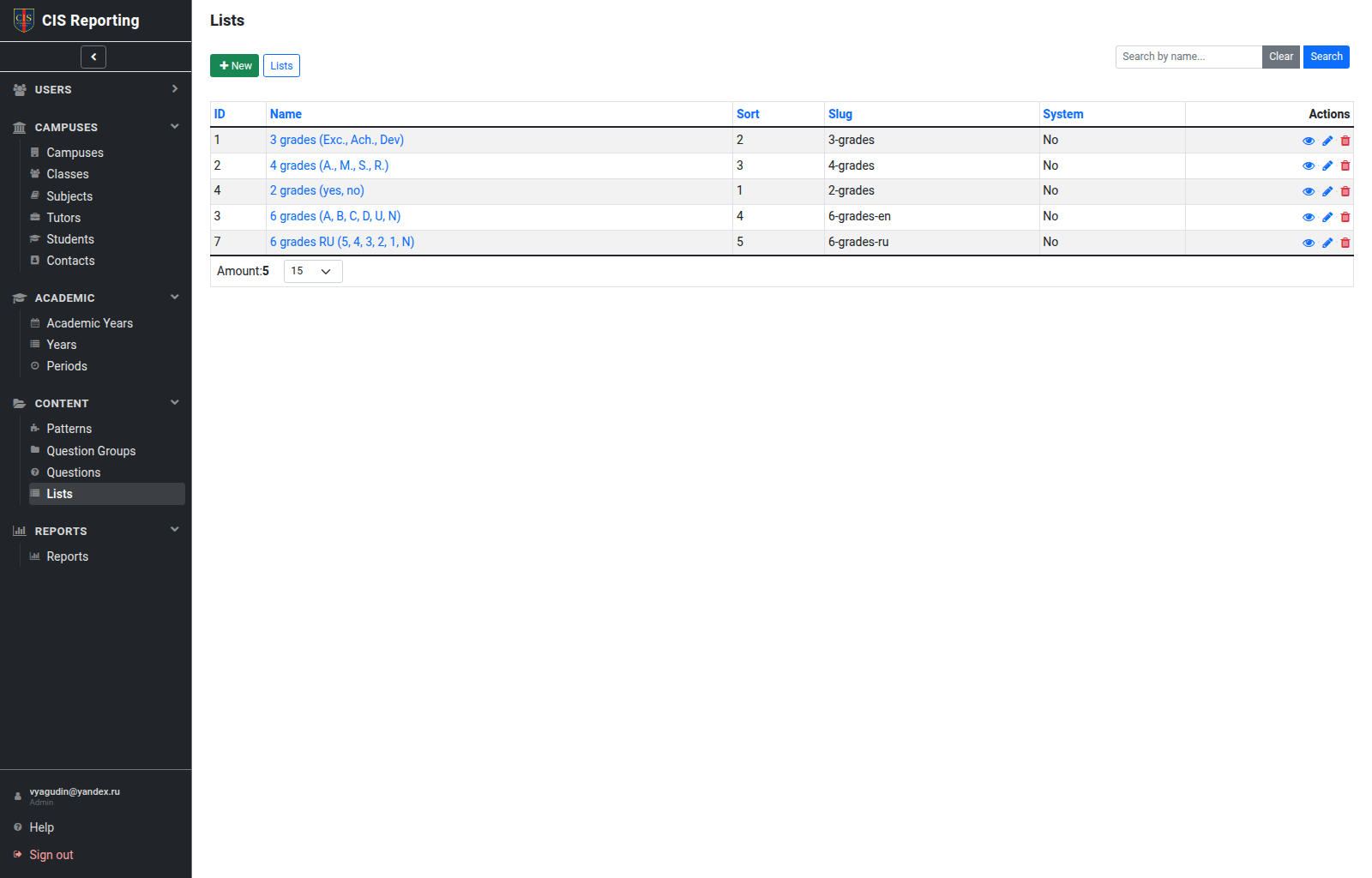
Catalogues of grades/levels (for example Emerging / Expected / Exceeding).
System lists (system) cannot be changed or deleted, even by an administrator.
Content → assessment → report
Pattern  +  Period  +  Learner  →  Report (PDF)
                ↑
     Answers from Assessment
                ↑
     Questions ∈ Question Groups ∈ Subject/Class