Sign in and account
← Table of contents · Permissions
Sign in
- Open the CIS Reporting URL.
- Enter your email (the login field) and password.
- Optionally select Remember me.
- Click Log in.
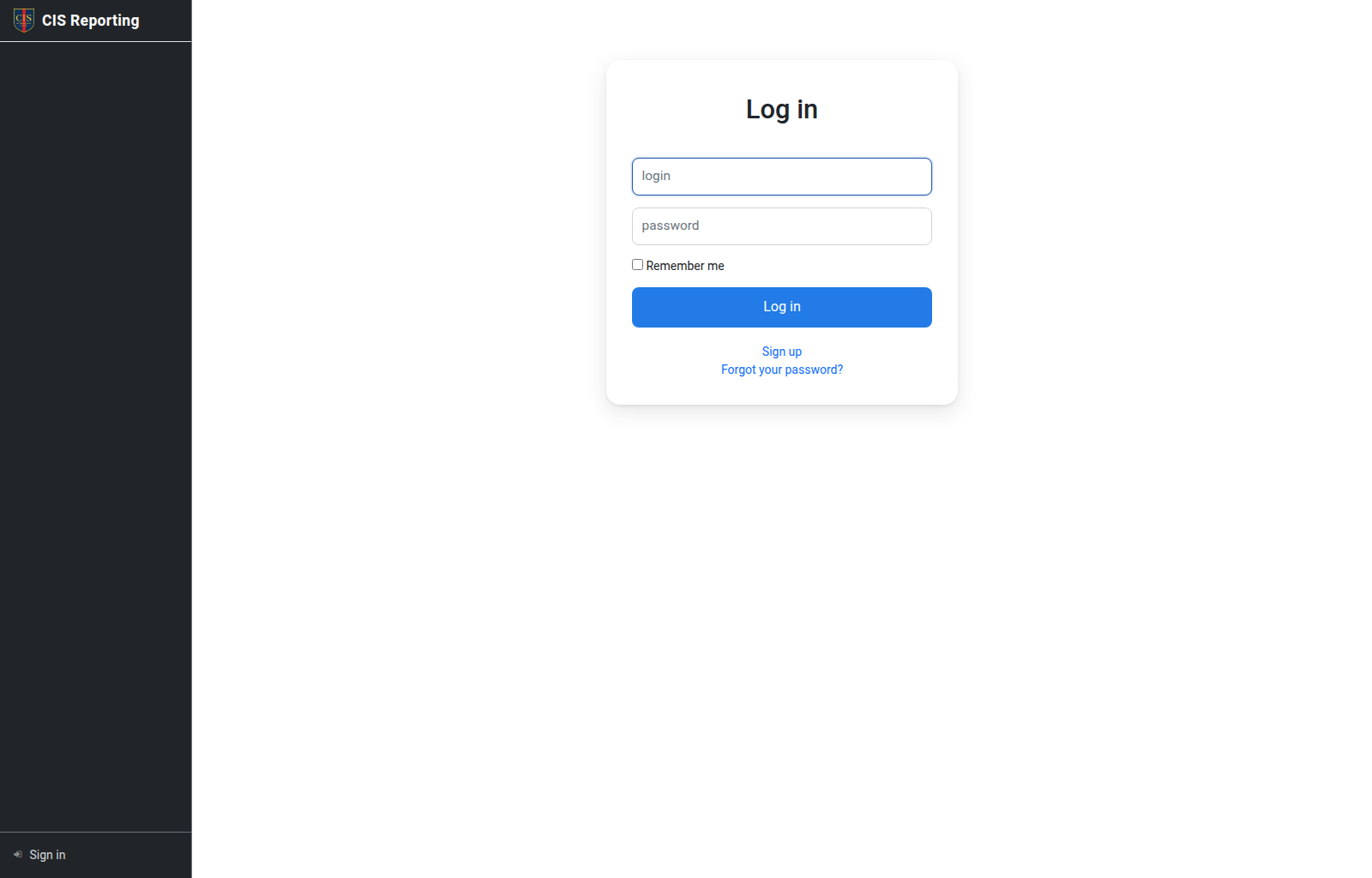
If you forgot your password, use Forgot your password? on the same screen. Reset emails are sent through the SMTP server configured by a system administrator (Admin → SMTP).
A locked account cannot sign in (the message is Your account has been locked.). Logins are locked when an administrator locks the user, or when the linked tutor, student, or campus is deleted. Unlock the login, or restore the deleted record, to sign in again.
After you sign in, the home page opens (usually the Subjects list). The left menu depends on your role.
Sign out
At the bottom of the sidebar: Sign out.
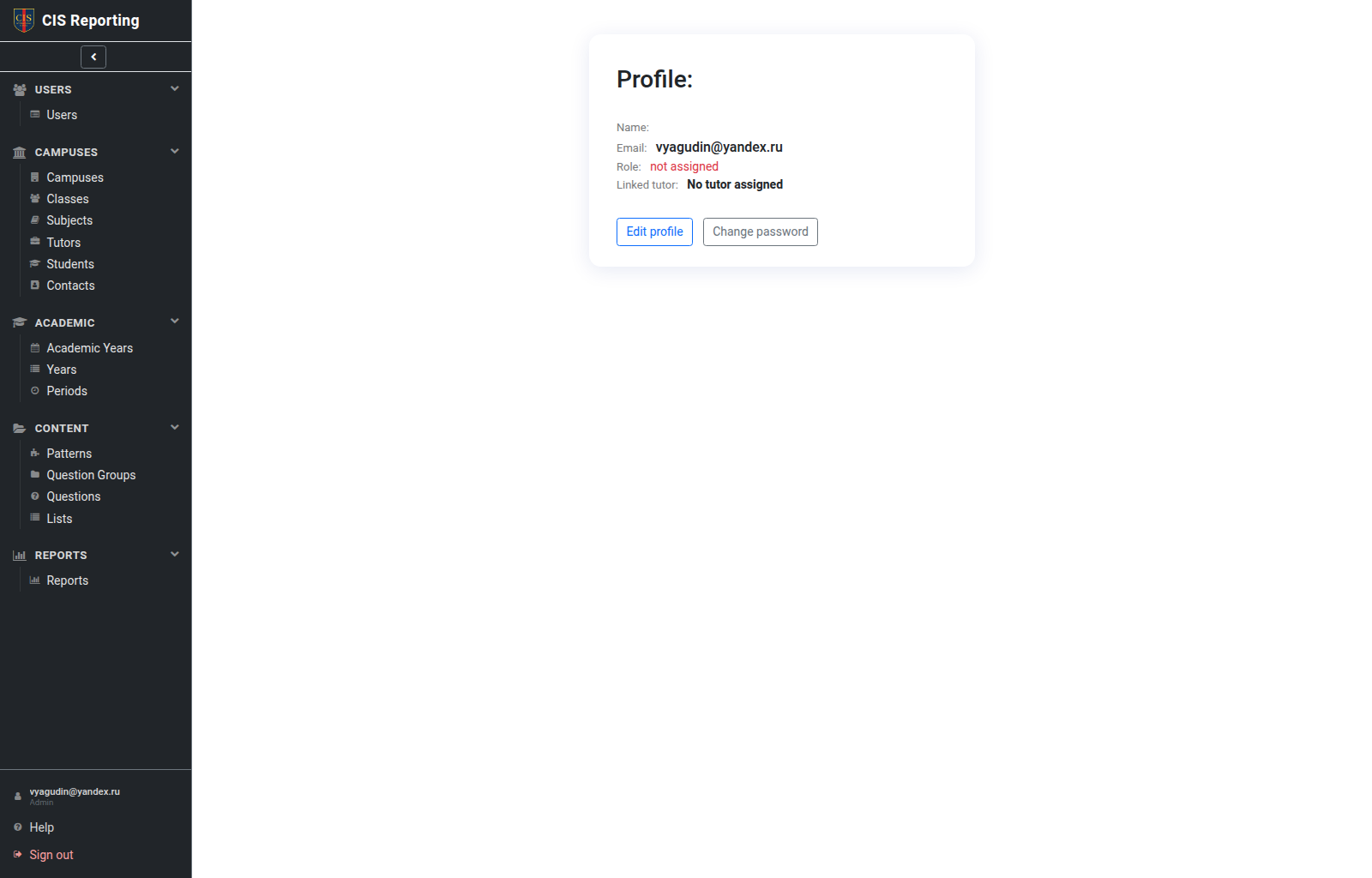
Account
Account (or opening your profile) lets you view and change your own account details, including your password.
Help
The sidebar has Help: a short hint for the current screen. On many pages the same text is also shown at the bottom.
Who can
| Action | Who |
|---|---|
| Sign in | Any active user |
| Change own password / profile | All roles |
| Create accounts for others | Admin, Global tutor admin; for campus tutors — Local tutor admin and Secretary (from the Tutor card; Simple / Local roles only) |
| Manage campus tutor logins | Local tutor admin (own campus Simple / Local accounts: edit, password, lock); Admin and Global tutor admin for all non-admin users |