Tutors
← Table of contents · Permissions
What this section is for
Tutors are teachers. Subject and class assignments depend on them, as do Simple / Local tutor rights (the account is linked to the Tutor card).
How to open
Menu: Campuses → Tutors (Admin / Global) or Campus → Tutors (Local admin).
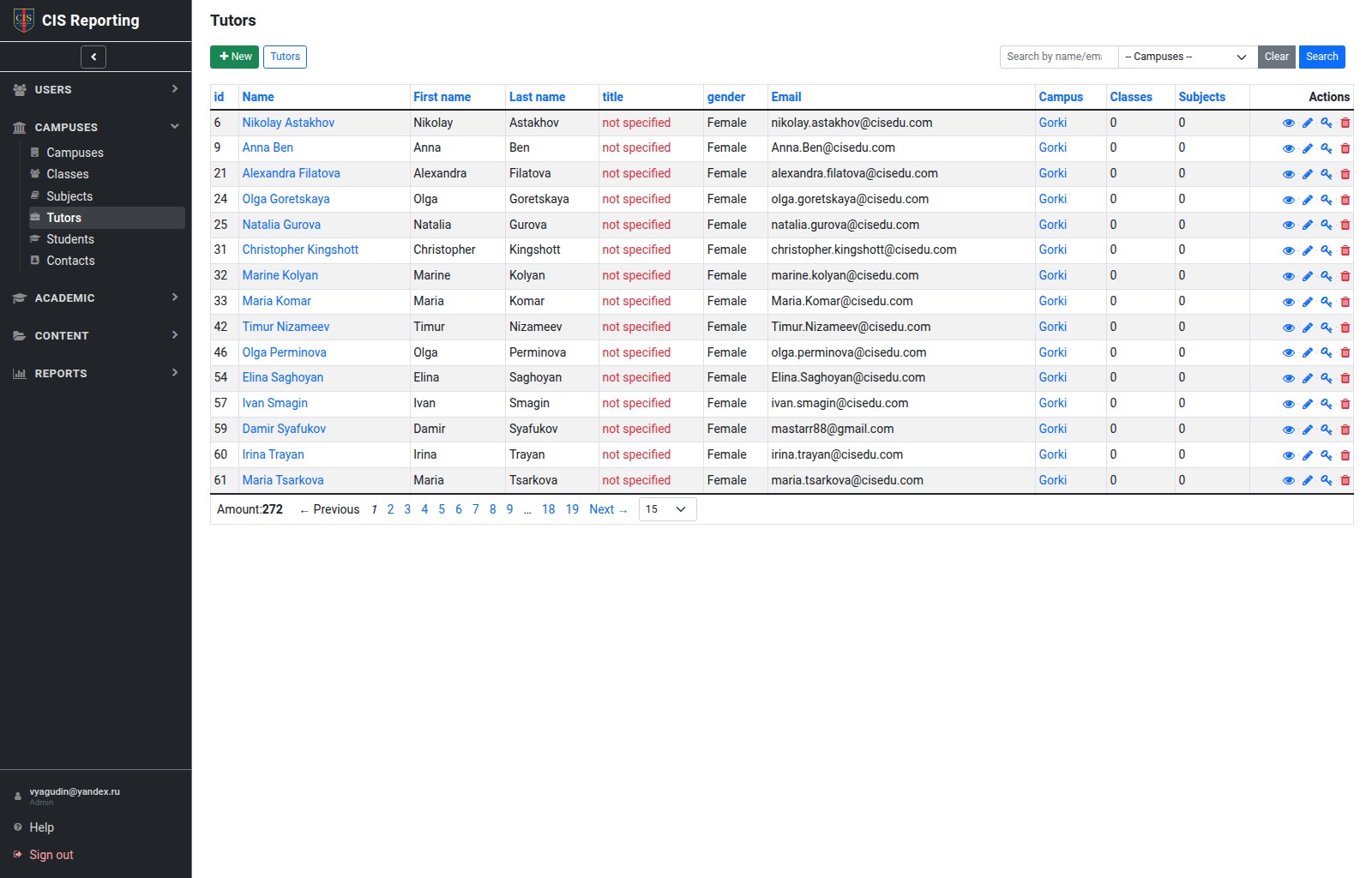
List
Name, campus, linked classes/subjects, actions. New Tutor creates a teacher record. Local tutor admin sees this button and can only create tutors on their own campus (the school of their linked Tutor card).
System Admin can open Deleted on the tutors list and Restore a tutor. Delete hides the record (red deleted label) and locks the tutor’s login until restore. See Permissions — Delete and restore.
Tutor card
Tabs: Details, Classes, Subjects, Students.
Typical actions:
- Create a Tutor card.
- Link to Classes and Subjects.
- Create account — create a user login for the tutor (Admin / Global / Local / Secretary for their campus; Admin may also assign Global tutor admin).
- Manage the login — Local tutor admin can open a campus Simple / Local login from the Tutor card and edit it, change the password, or lock/unlock it.
Who can
| Action | Admin / Global | Local | Simple | Secretary |
|---|---|---|---|---|
| Manage campus tutors | ✓ | ✓ | — | ✓ (campus) |
| New Tutor | ✓ | ✓ (own campus) | — | ✓ (campus)* |
| Create login | ✓ | ✓ (Simple / Local roles) | — | ✓ (Simple / Local roles)* |
| Manage login | ✓ | ✓ (campus Simple / Local) | — | show* |
| View campus colleagues | ✓ | ✓ | ✓ | ✓ |
| Edit own card | ✓ | ✓ | ✓ | — |
* Secretary has no Tutors item in the menu; they manage tutors through cards and links. Admin may also assign Global tutor admin when creating a login.